Role: User Research, UX Design, Visual design, Usability testing
Duration: 3 months, Jan 3rd - March 31st 2022
Tools: Figma, Miro, After Effects
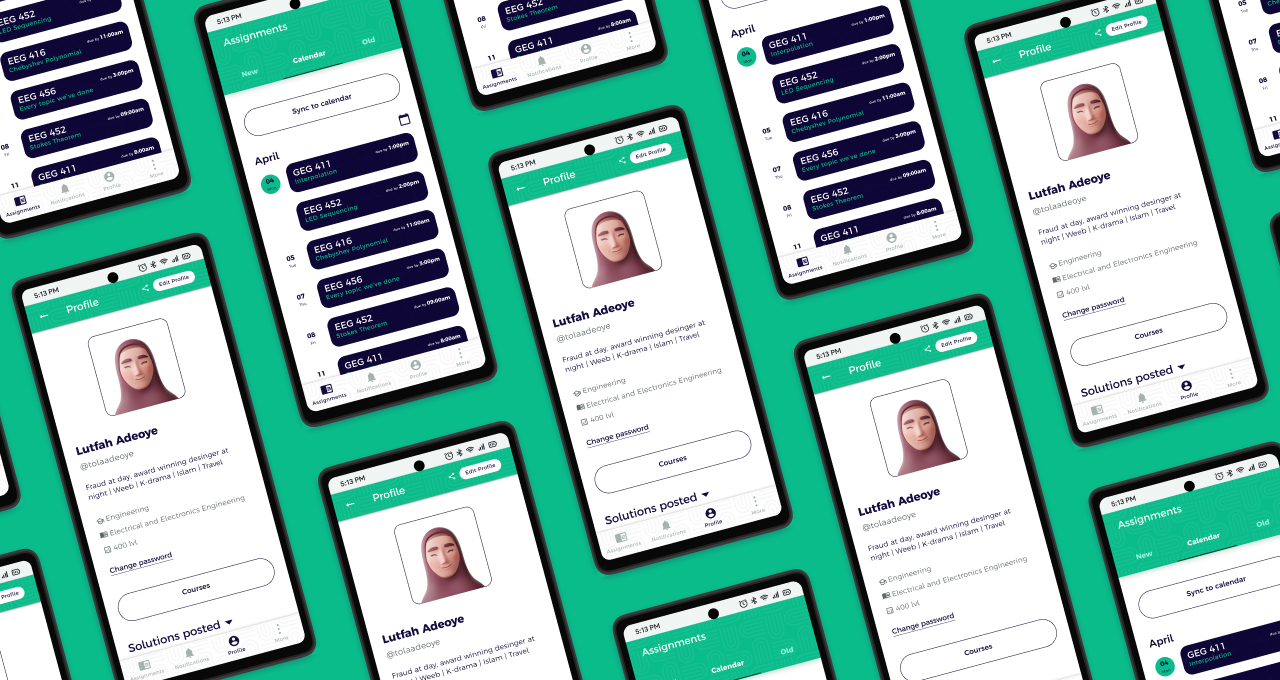
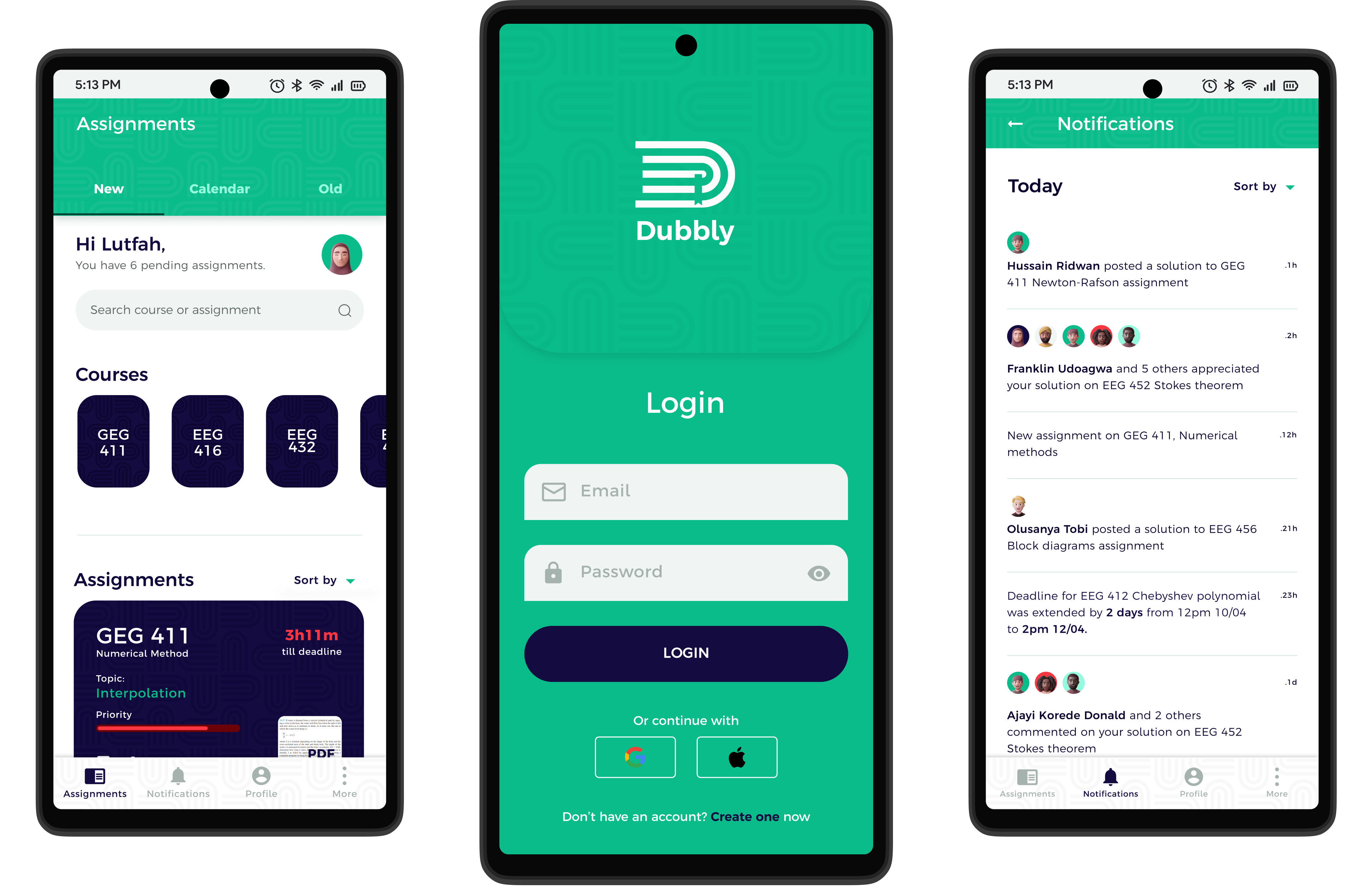
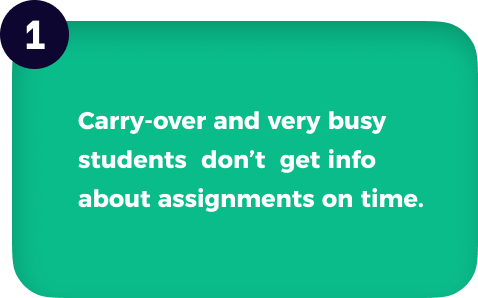
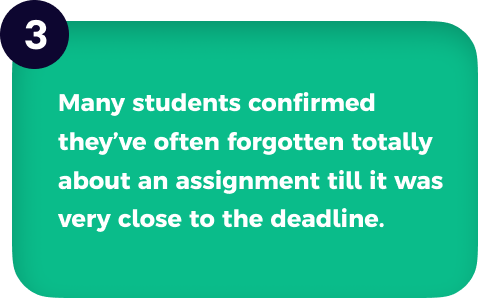
In my school, the University of Lagos, students with carry-over courses (repeating a course from a previous year) and students with little time for academics hear about new assignments late. They receive little to no assistance in solving them and often forget when their assignments are due because there isn't any way to get reminded. Many regular students find themselves in similar situations often.
Dubbly should help undergraduates efficiently track, manage and get solutions to assignments.
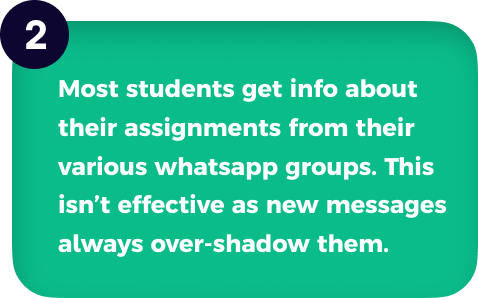
After analyzing the data from my research (interviews), key insights were identified as follows:
How this research addressed some of my bias.
1. Bias:
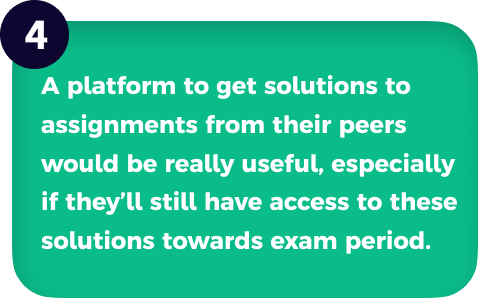
I felt students in year one and two won’t be willing to share their solutions cause most still have this kind of secondary school mentality.
Research findings:
Surprisingly a good percentage of the research participants in this category said they’ll be willing to share their solutions on an app like Dubbly.
2. Bias:
The Class Rep won’t need to be reminded to do his assignments cause he/she is the one thats going to collect everyones own for submission.
Research findings: 3 out of 5 of the class reps I interviewed said they’ve at least once forgotten to do an assignment.
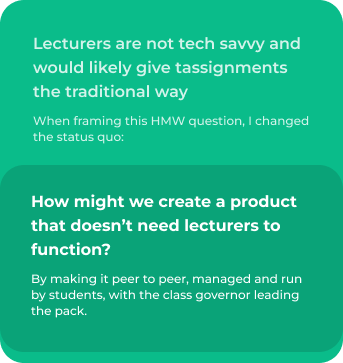
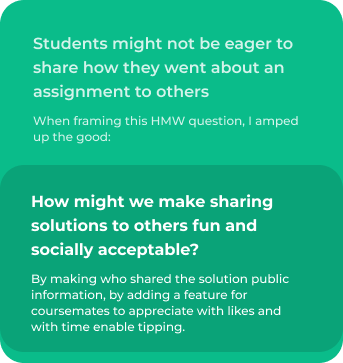
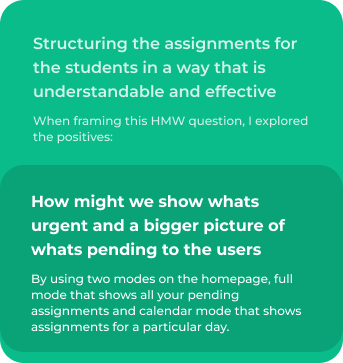
I used the ideation process, known as the "How Might We?" exercise to come up with ideas for some crucial functionalities of the app.
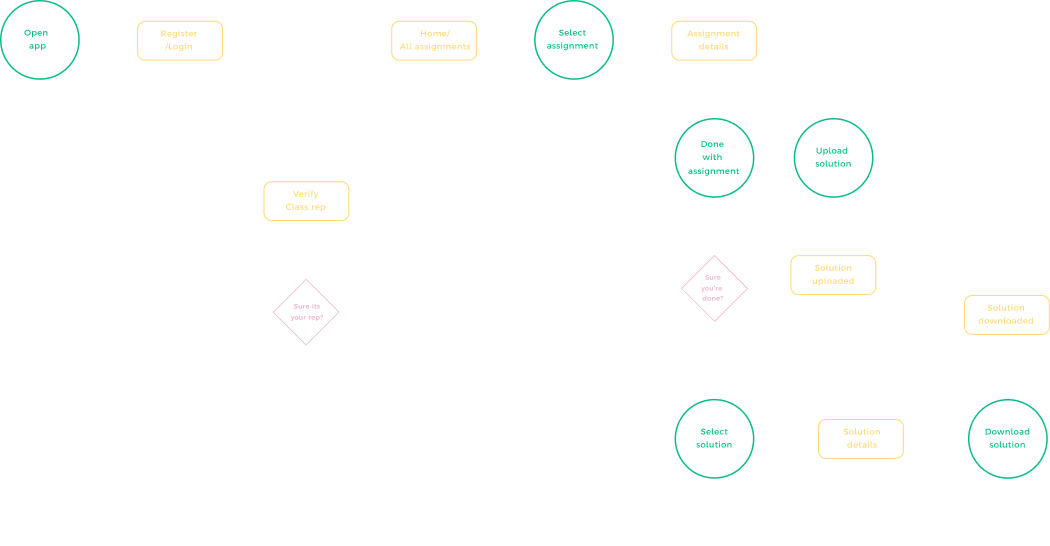
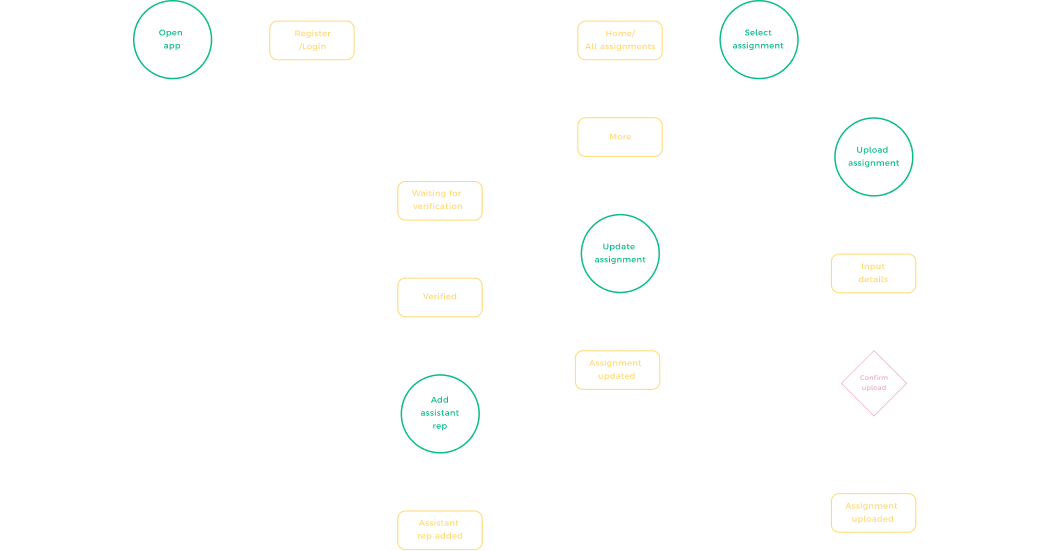
Userflow:
Improve and organize the structure to facilitate users in finding and processing the information they want
Students and Class Representative's flow respectively.
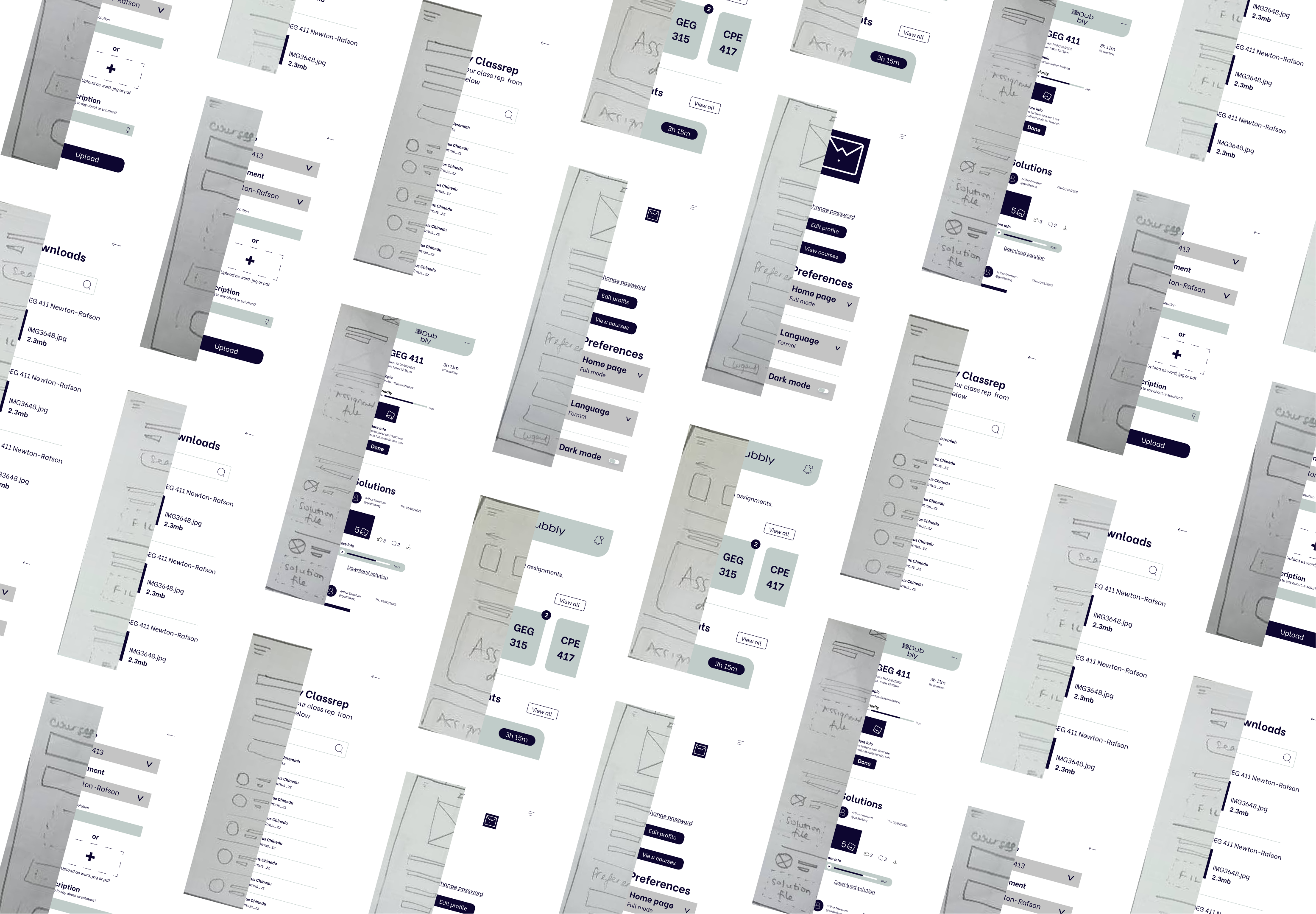
Lo-fi wireframes:
I first came up with lots of paper sketches and took my best ideas to my software for the digital wireframes
Tasks assigned:
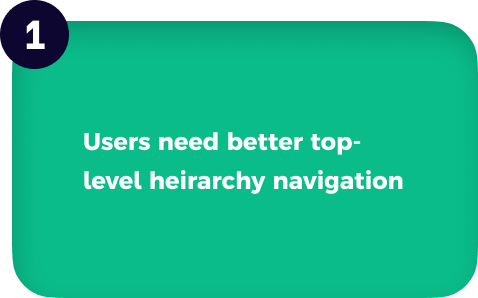
I sorted out the usability study findings via affinity mapping on Miro (view here), Then I generated insights and iterated on my designs in order of most important to least important. Here are some of the key insights.
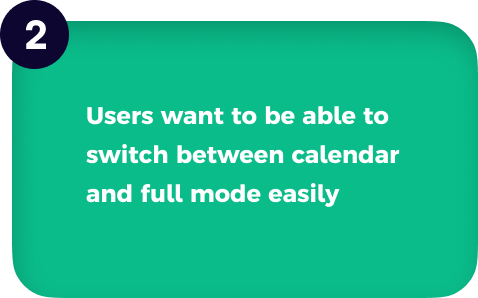
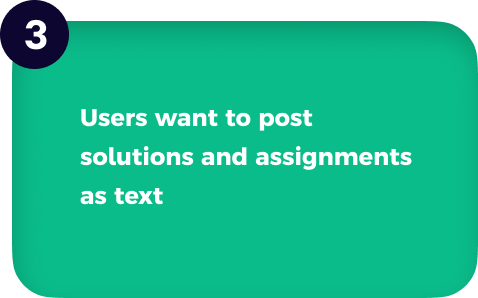
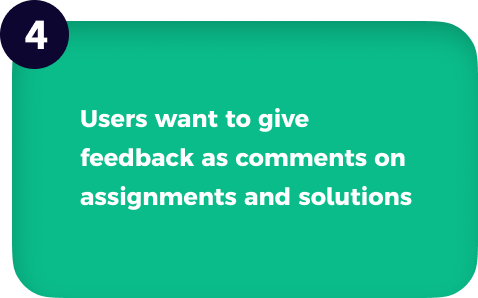
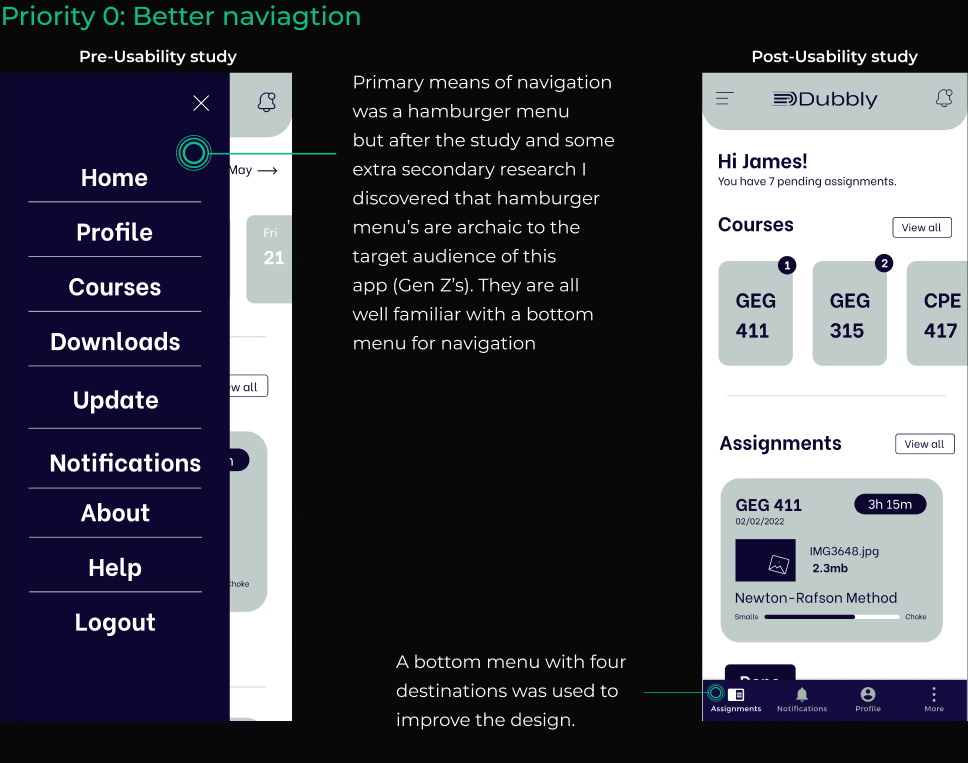
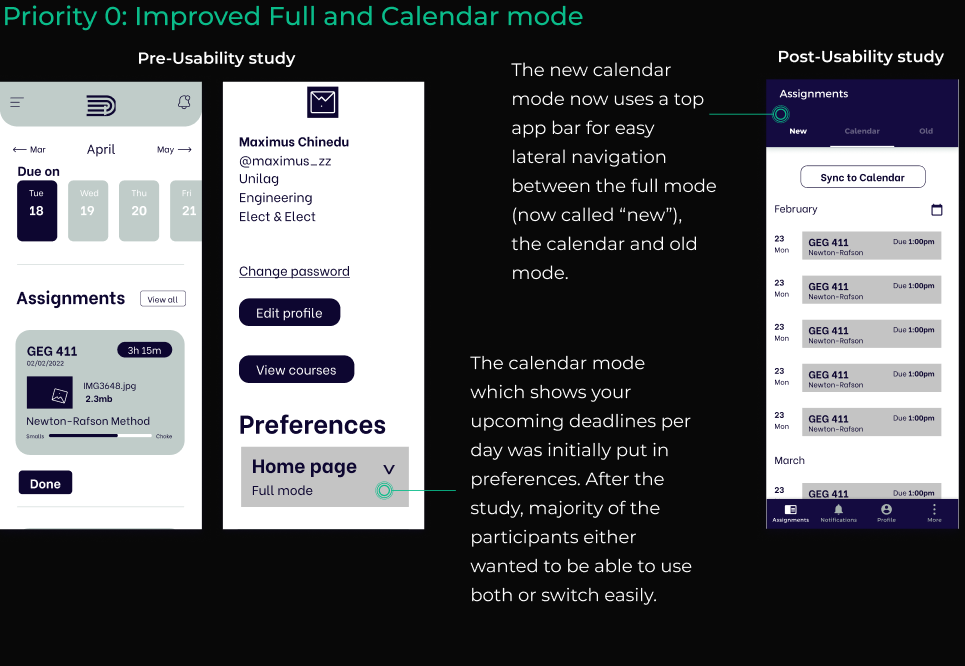
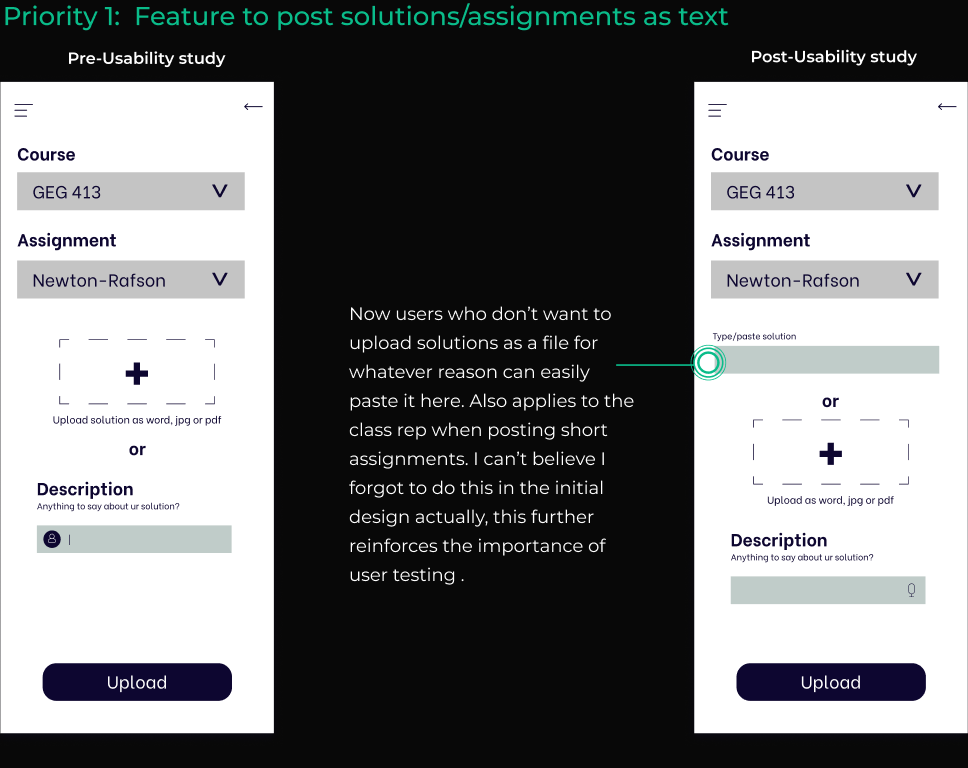
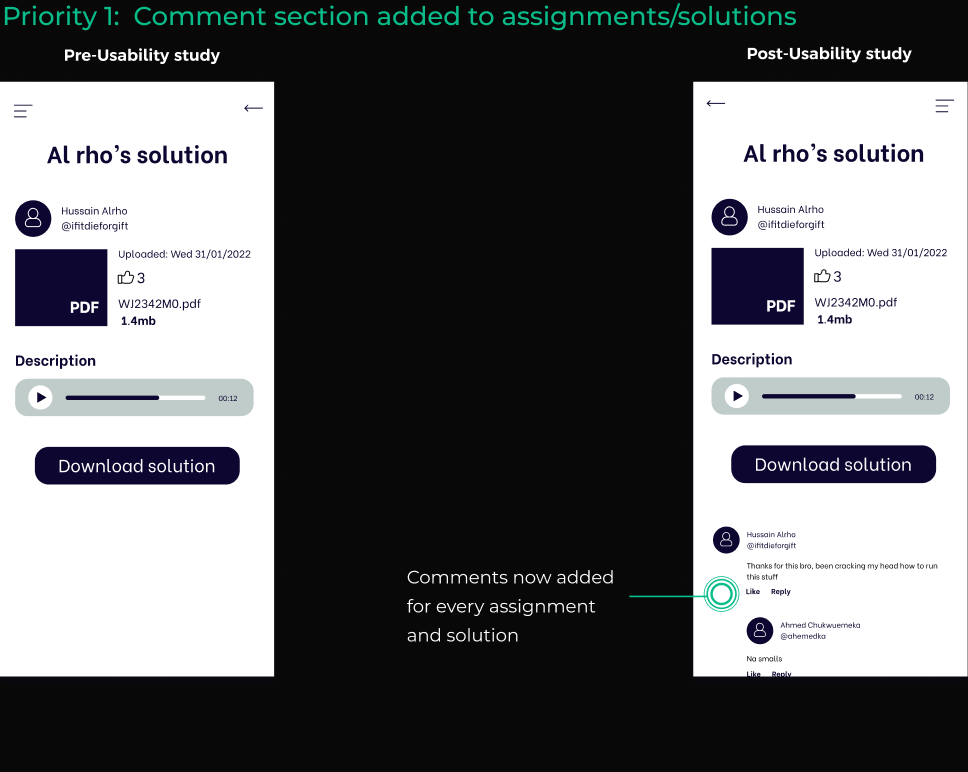
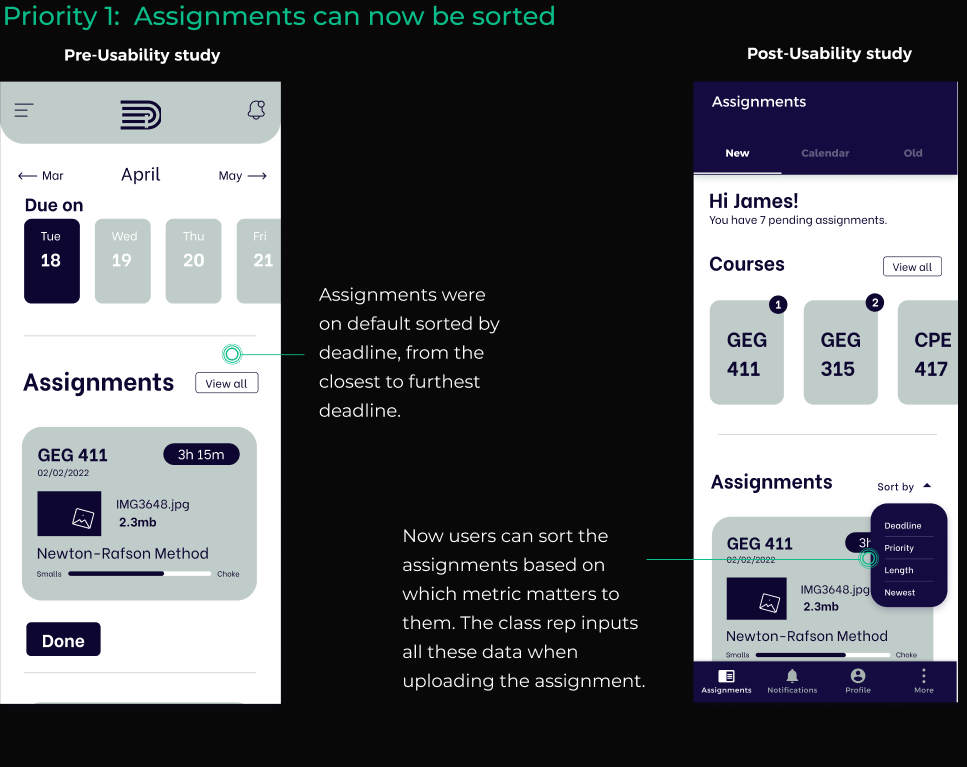
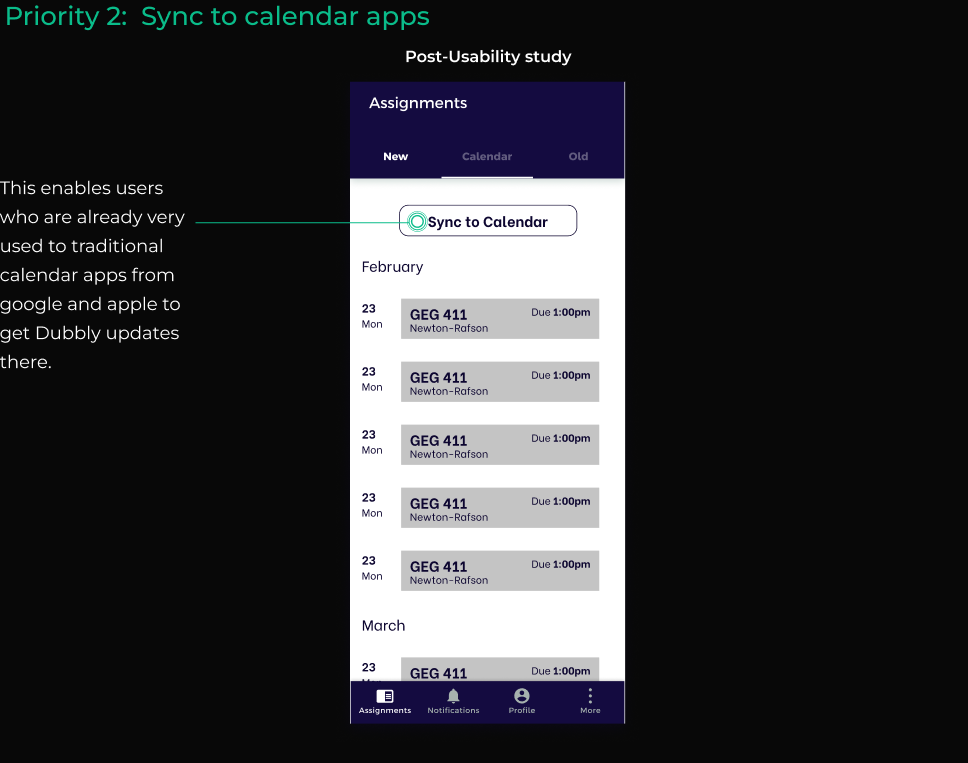
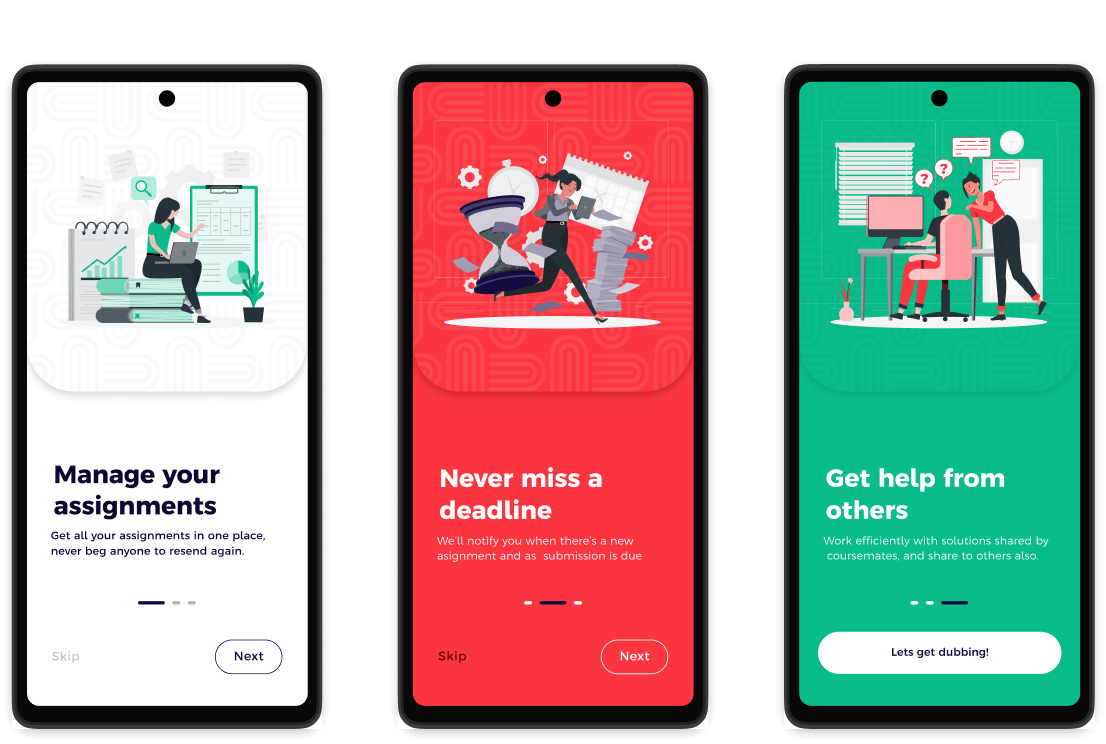
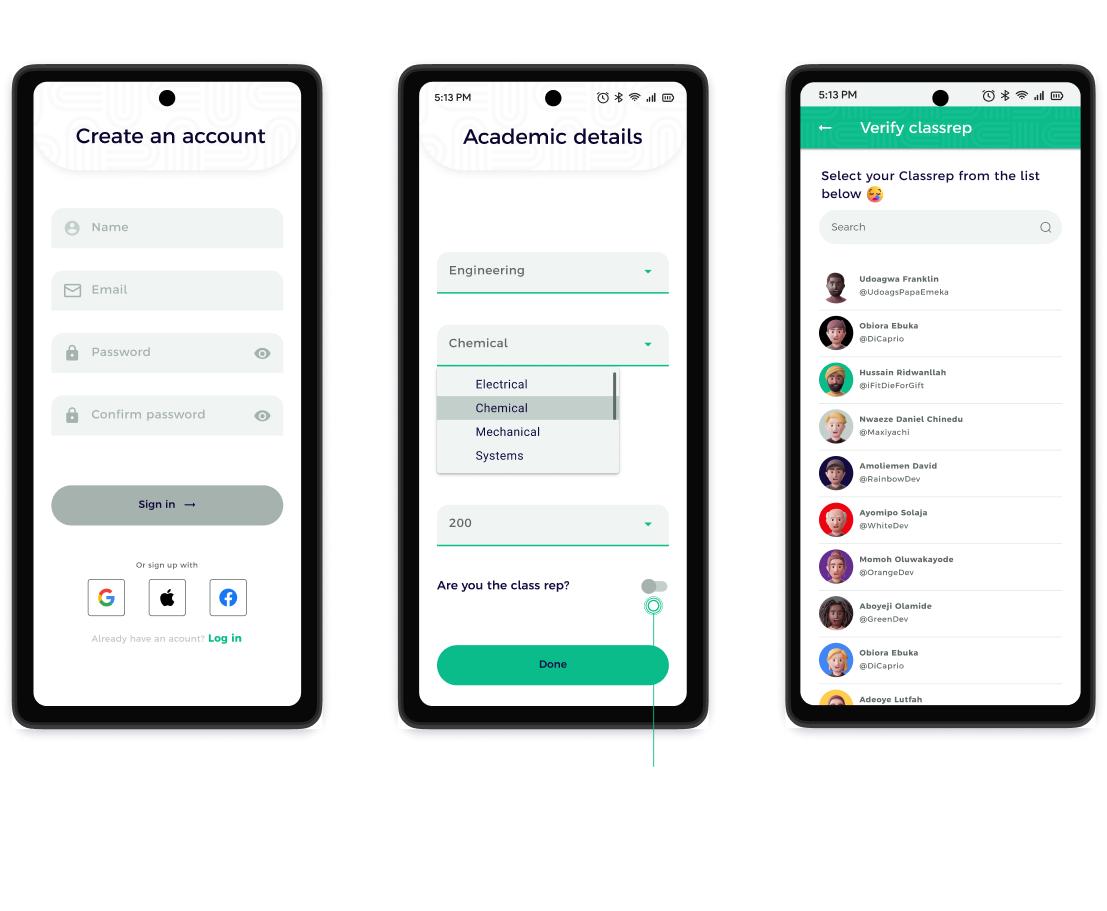
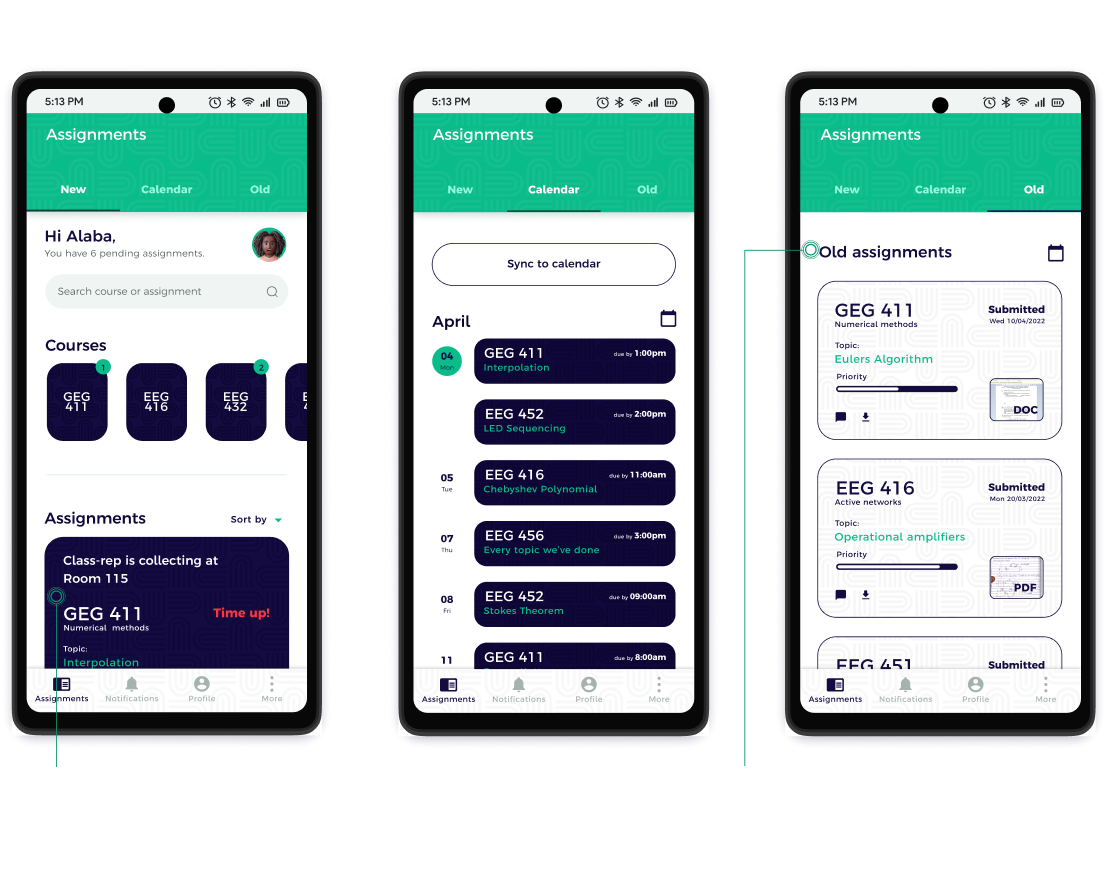
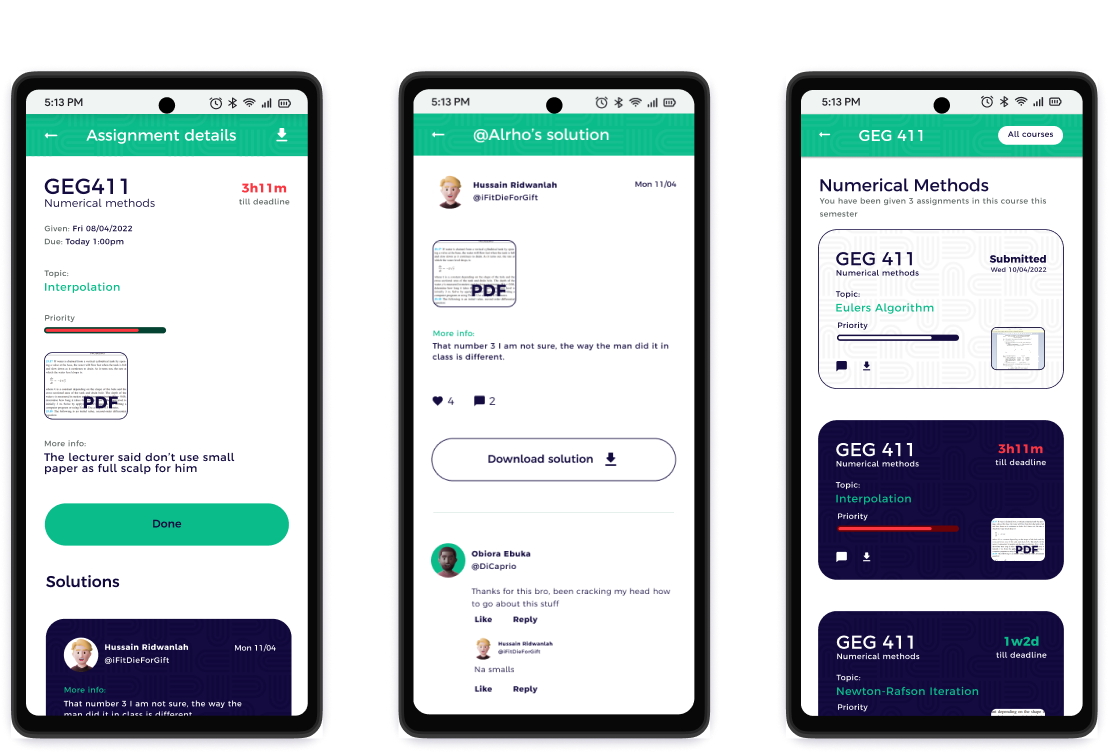
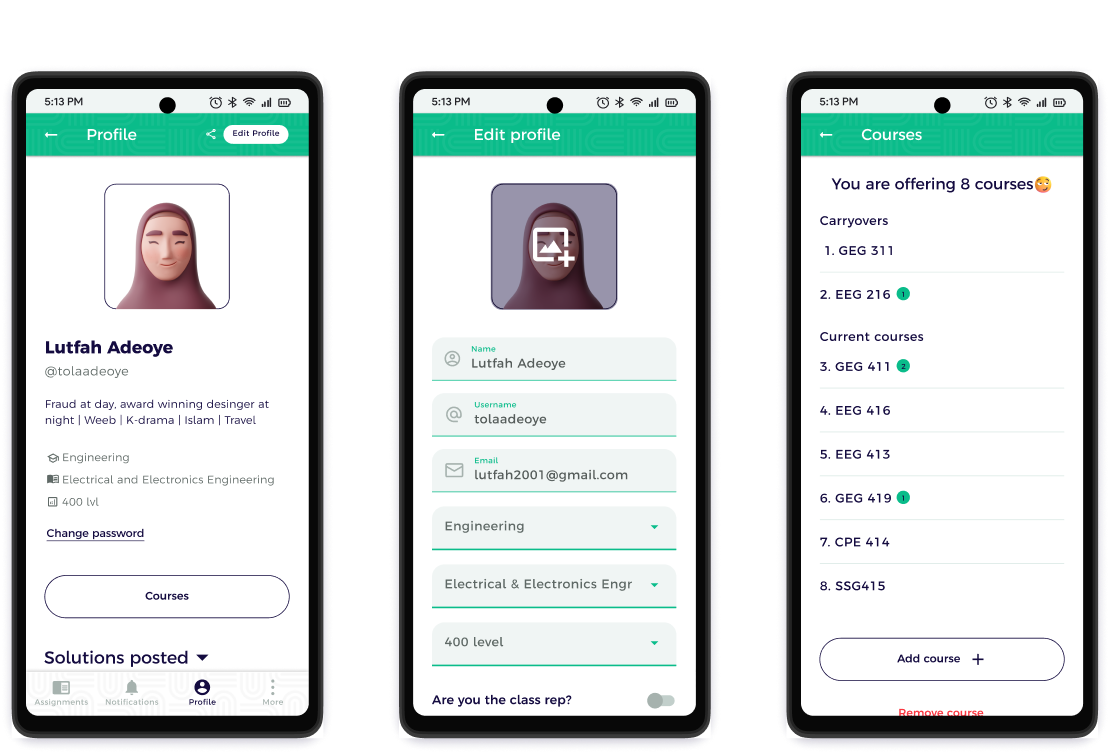
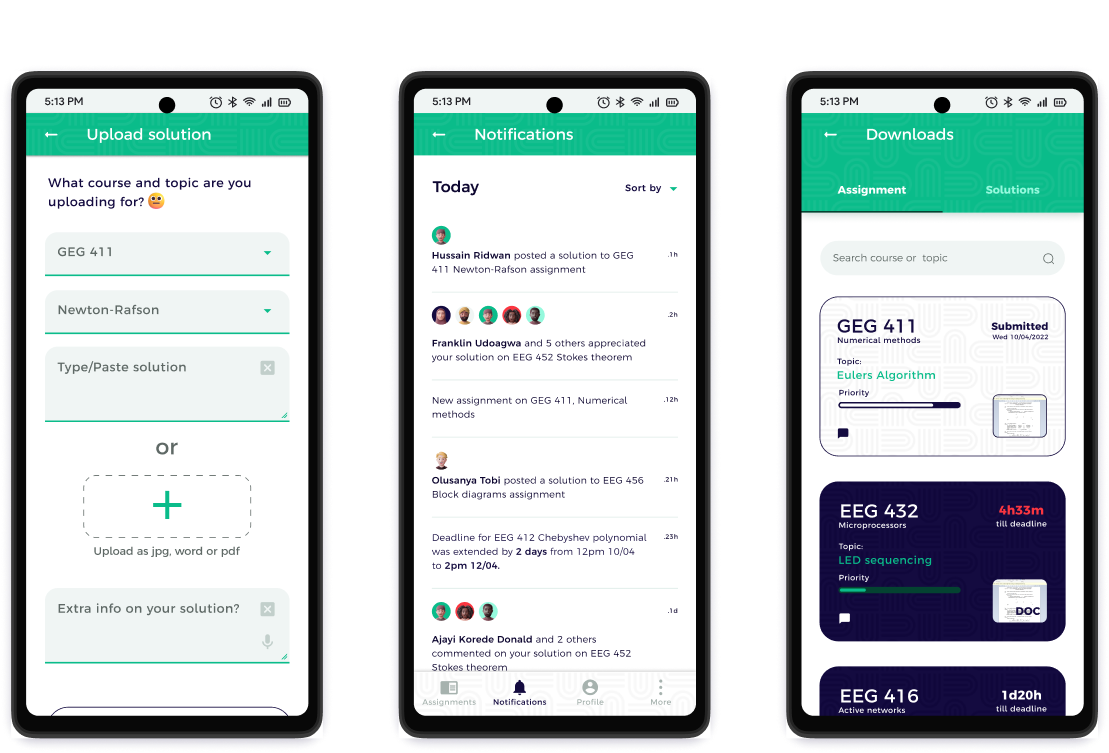
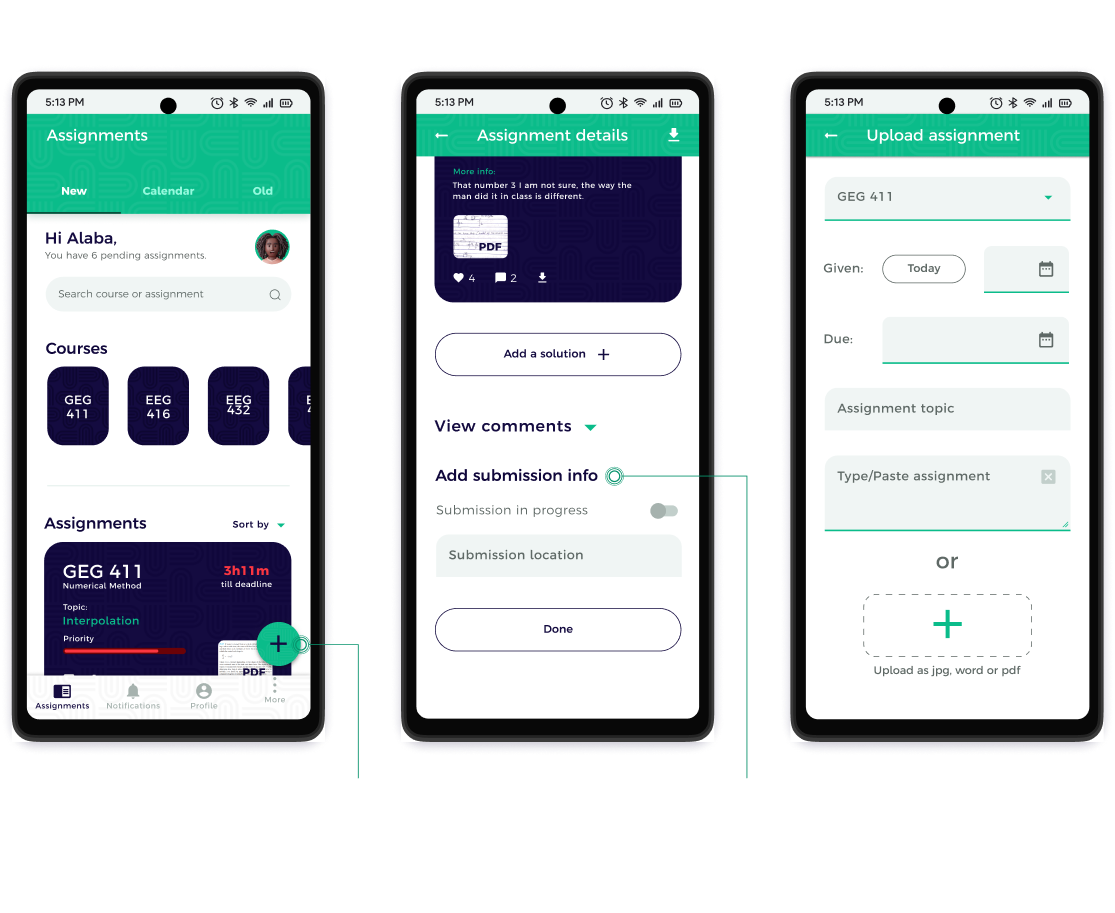
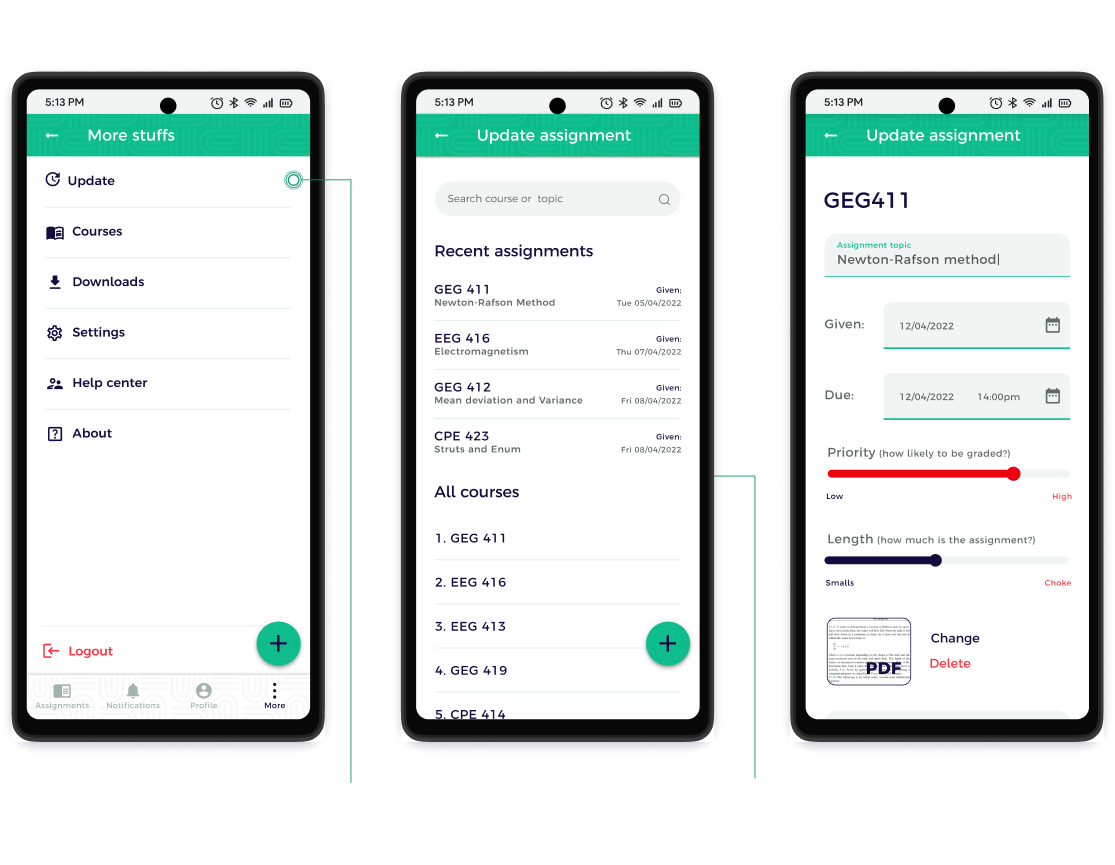
After completing the high fidelity design, I gathered another 6 participants for another usability study to validate my prototype
Usability study summary:
Iteration:
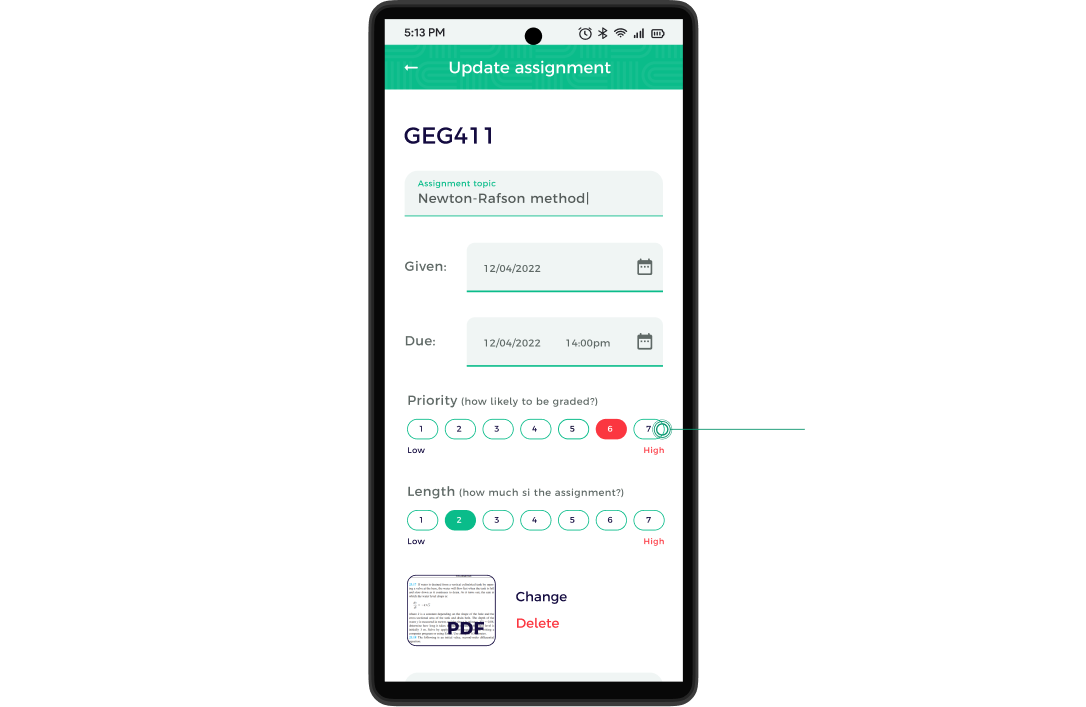
Challenges faced:
Research:
During the first few interviews I felt I wasn't getting quality feedback. I had to pause, re-strategize, try to make the participant feel more relaxed and free so they could open up to me better and come up with better follow-up questions.
Design guide:
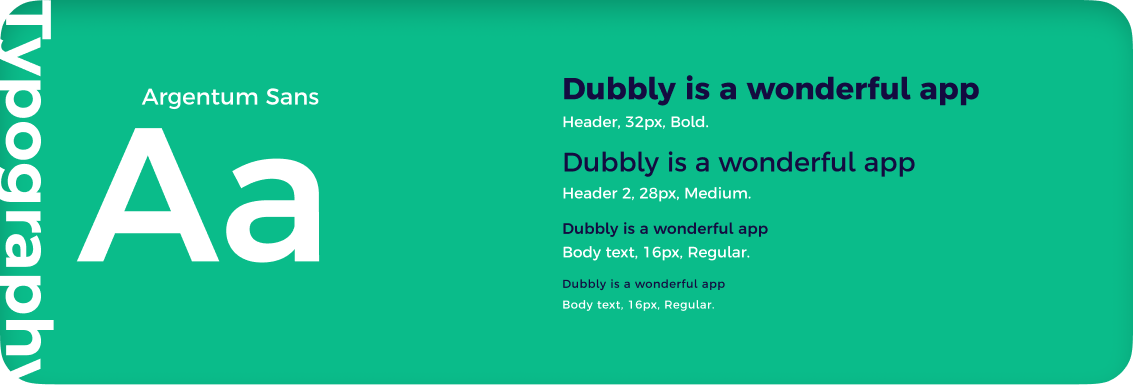
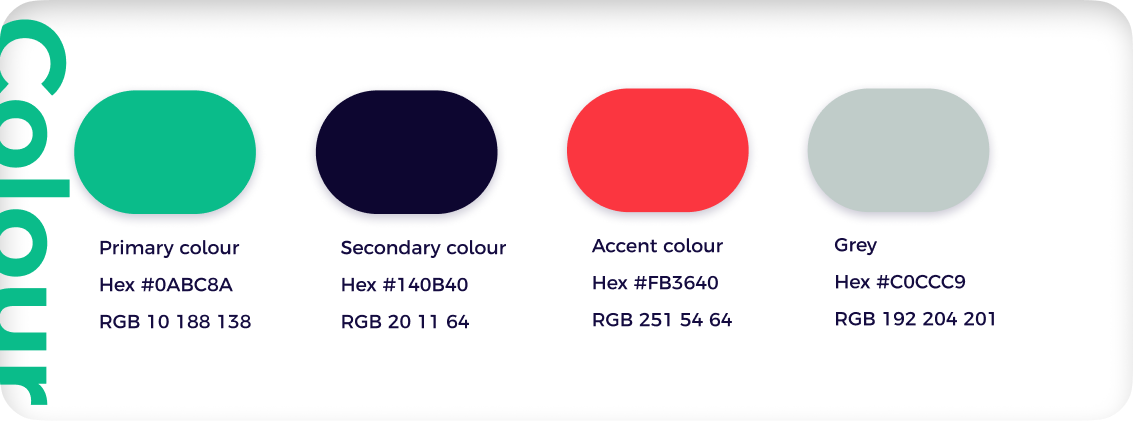
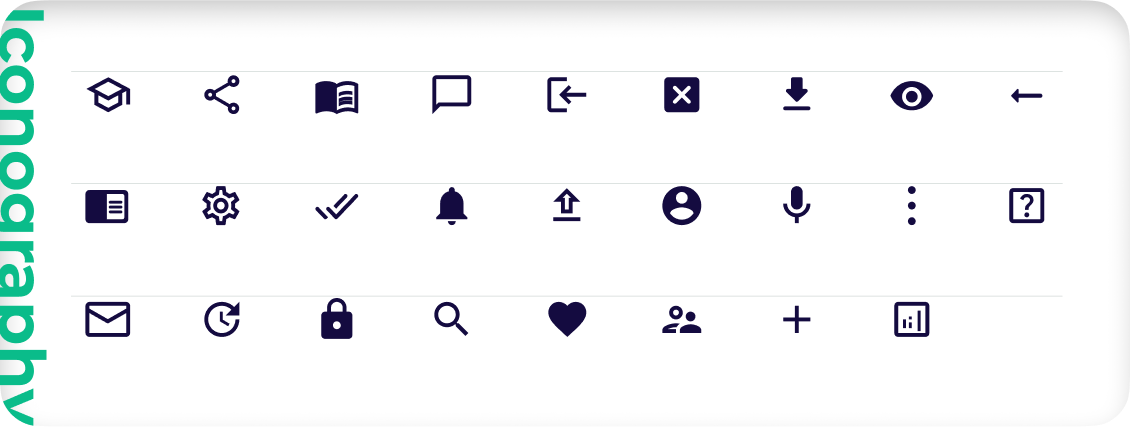
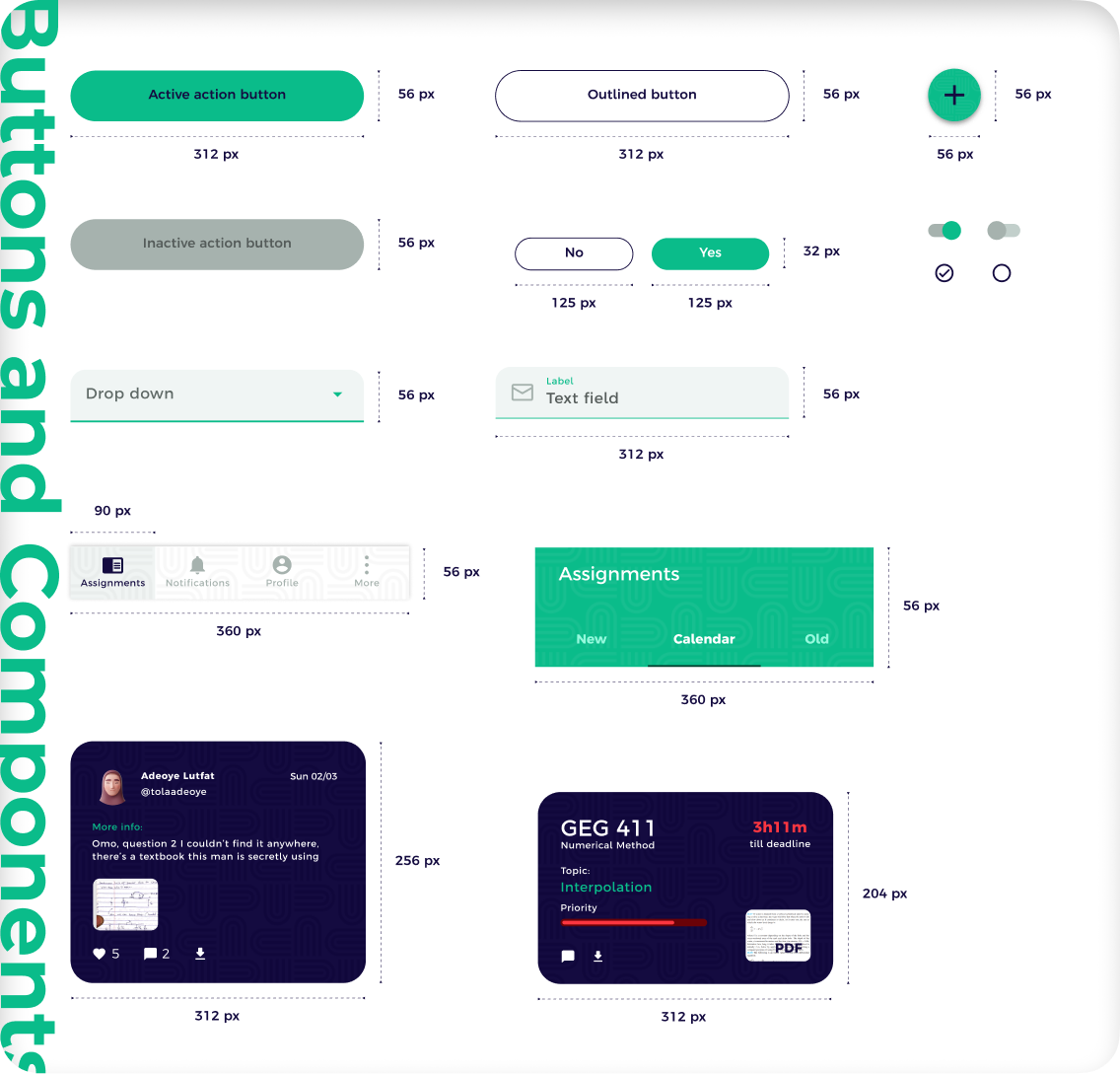
This was my first time using a design system as a guide in my designs. I had difficulties utilizing the Google Material Design for my project, altrering the components to my suite my projects visual theme and some other setbacks
Animation: I tried creating a custom animation for this project on After effects but wasn’t successful. I decided to use Figma I was better at but due to some reason the motion plugins on Figma were misbehaving. Eventually had to use multiple frames on Figma to pull it off
Learnings:
Next steps: